Best Robotics Kits for 10-12 Year Olds
The pre-teen years are a sweet spot for robotics. Most children aged 10 to 12 have the fine motor control to handle small components, the patience to follow multi-step instructions, and the reasoning skills to grasp basic programming ideas. They are also quick to abandon projects that feel too hard or too boring, so the right kit needs to strike a balance between challenge and accessibility.
If you are comparing robotics kits for a 10 to 12 year old, this guide explains what robotics kits include, what to check before buying, and how five popular options compare on age grade, programming, power, and trade-offs. We also explain which products have been retired, so you do not waste time hunting for them. For the bigger picture, see our complete STEM toys parent guide.
A note on our approach: we have not hands-on tested these kits. The details below come from manufacturer and retailer listings and general buying guidance. Specifications and prices change, so check the product page before you buy. Some links on this page are affiliate links, which means we may earn a small commission at no extra cost to you.
Why Robotics Kits Suit Pre-Teens
Robotics kits let children see the relationship between cause and effect in a physical system. When a child programs a robot to move forward and it turns left instead, they have to work out why: is the code wrong, or is the build wrong? That kind of troubleshooting is a concrete way to practise problem-solving. Without promising any particular outcome, these kits invite children to practise:
- Testing and debugging: changing one thing at a time and seeing what happens.
- Asking “what if?”: what if I change the speed, add a sensor, or use a different gear ratio?
- Creativity within constraints: kits give structure, but many allow plenty of experimentation.
- Teamwork: siblings or friends working together have to communicate and share tasks.
Many parents worry that robotics kits just add screen time. It is a fair concern, because most kits at this level use a tablet, phone, or computer for programming. One way to think about it is the difference between passive and active screen use: designing and debugging a program is creative work, but it is still screen time, so it helps to set the same limits you would for other screen use. If you want a fully screen-free option, see our guide to coding games without a tablet.
The best kits go beyond coding to teach computational thinking, which means breaking a big problem into smaller steps. For more on that idea, read how STEM toys improve critical thinking.
Understanding Robotics Kits
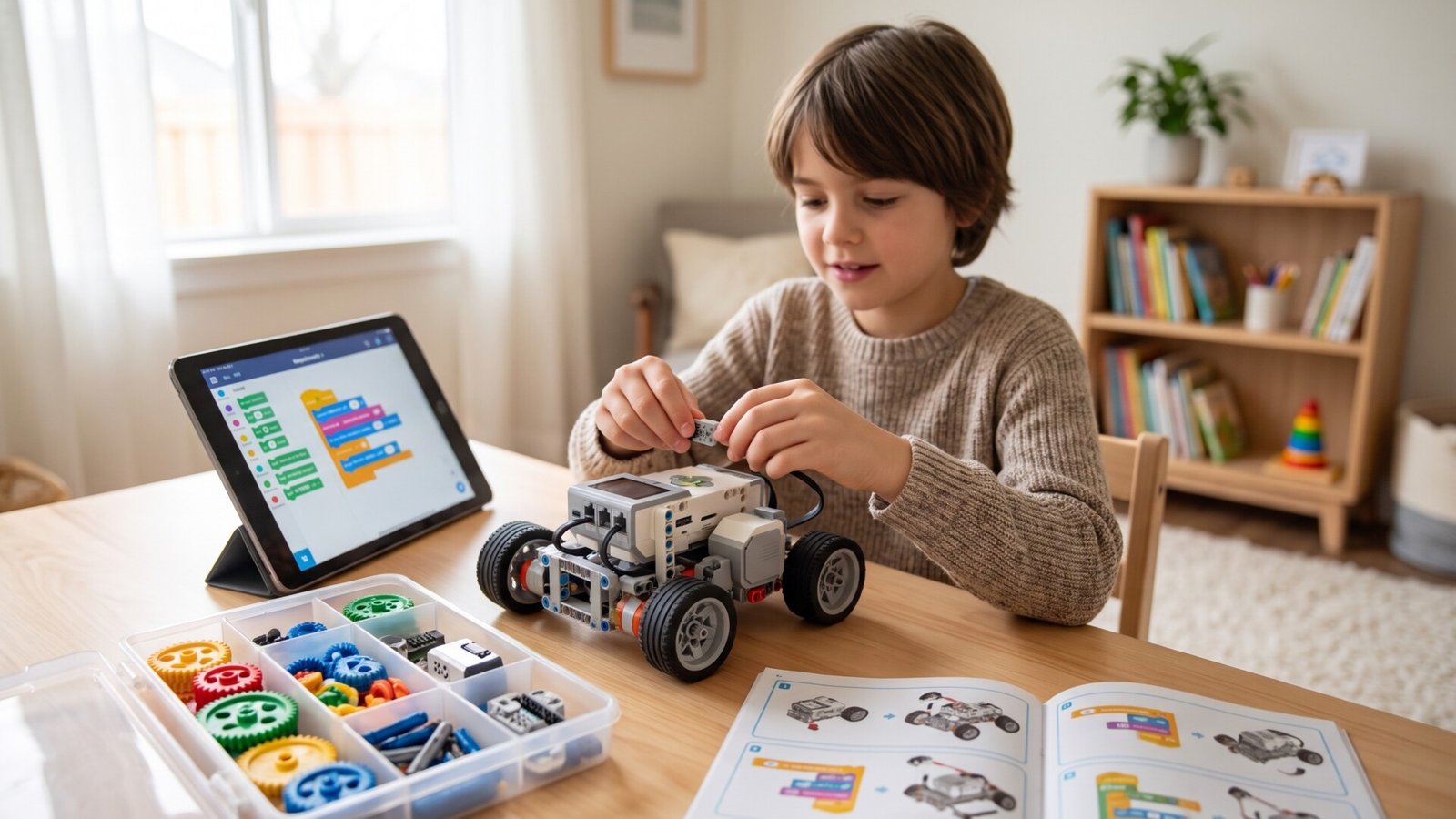
A robotics kit typically includes mechanical parts (gears, wheels, frames), electronic parts (motors, sensors, a control board), and a programming interface such as an app or computer software. The child builds a robot and then writes code to make it move and respond to its surroundings. A few terms help:
- Sensors are the robot’s senses. They detect things such as light, distance, touch, or colour.
- Motors are the robot’s muscles. They turn wheels, lift arms, or move legs.
- The control board or “brain” reads sensor input, runs the code, and tells the motors what to do.
- Block-based coding lets children snap together visual commands, which looks more like a puzzle than text. Many kits also offer a path to text languages such as Python or C++.
Kits also fall into broad types that serve different purposes:
- Building-based kits focus on mechanical assembly, with a set of designs to construct. They suit children who like construction toys.
- Programmable kits emphasise coding. The robot may be simpler mechanically, but the software has more depth.
- Remote-controlled kits are the most basic: the child builds a robot and drives it with a controller. They offer less coding value but can be a gentle entry point.
For ages 10 to 12, we generally suggest programmable kits that also involve meaningful building, since that gives the fullest introduction to robotics.
What to Look For When Buying
Age grade and safety. The age on the box is a safety and complexity guide, not a skill test. For this age group, think about small parts that could reach a younger sibling, sharp edges on cut plastic, and motors that warm up during extended use. Check any batteries and chargers against the manufacturer’s instructions.
Durability. Robots get dropped, packed in backpacks, and stepped on. Reinforced connection points, sturdy casings, and metal or strong plastic structural parts help. Read reviews for mentions of stripped gears or broken parts.
Educational depth. Does the kit teach real programming concepts, or just run pre-written scripts? The best kits have several difficulty levels and allow open-ended projects after the first builds.
Software reliability and device compatibility. Most kits rely on an app or desktop software. Check which tablets, phones, or computers are supported, whether Bluetooth is required, and how recent the reviews are. A glitchy or unsupported app is the most common reason a robot ends up in a drawer.
Storage. Robotics kits include dozens or hundreds of small parts, so a case with labelled compartments is a real advantage.
Running costs and spare parts. Batteries need replacing or recharging, and motors and sensors can fail. Check whether the maker sells replacement parts or expansion packs, and whether the kit is still in production at all.
The Upsides and Downsides
The main advantage of a robotics kit is that learning feels like play. Children are making a robot dance or navigate a maze, not studying syntax, and many kits support independent tinkering once the basics are understood. Friends and siblings often enjoy showing each other what they have built, and some kits support multi-robot projects.
The downsides are real too. Complexity can lead to frustration, particularly where instructions assume prior knowledge. Prices are significant, with some kits costing several hundred dollars once expansions are added. And adult help is often useful for assembly and the first few programming sessions. Some parents enjoy that shared project; others find it hard to fit in.
Our Top Robotics Kit Picks
Makeblock mBot (mBot-S)
| Feature | Details |
|---|---|
| Age Range | 8+ (Grades 3–12 per retailer) |
| Programming | Scratch-based mBlock 5, plus Arduino C |
| Power | AA batteries (battery holder included) |
| Extras | Bluetooth module, USB cable, IR remote |
| Price Range | About $70–$100 |
The mBot is a two-wheeled programmable robot with basic sensors, aimed at beginners. Programming runs through Makeblock’s Scratch-based mBlock software, which is widely used in schools, and older children can move on to Arduino C. It works with an IR remote as well as through Bluetooth control, which gives children several ways to drive it.
Best for: beginners and budget-conscious families who want a quick, affordable introduction. Trade-offs: a simple two-wheeled design means limited mechanical building, so children may outgrow it sooner than a more flexible system. Check that the software supports your child’s device.
[Affiliate: Check the Makeblock mBot price on Amazon]
Thames & Kosmos Robotics: Smart Machines
| Feature | Details |
|---|---|
| Age Range | 8+ |
| Models | Eight motorised machines |
| Programming | Visual programming via an app on a tablet or smartphone (Bluetooth) |
| Power | 3 AA batteries |
Thames & Kosmos has a long record of building educational science kits. The Smart Machines line (including the Rovers & Vehicles and Tracks & Treads sets) has children build motorised machines and control them with a visual programming app over Bluetooth. Because there are a fixed number of models, it works well as a structured, project-by-project introduction.
Best for: children who like clear instructions and want to understand how machines work. Trade-offs: a fixed set of builds leaves less room for open-ended design, and the kit needs a compatible phone or tablet. Check which Smart Machines set you are buying, since the line has several.
[Affiliate: Check the Thames and Kosmos Robotics Smart Machines price on Amazon]
VEX IQ (2nd Generation)
| Feature | Details |
|---|---|
| Age Range | Designed primarily for ages 8–14 |
| Parts | Plastic, snap-together |
| Programming | VEXcode IQ Blocks, Python, or C++ |
| Devices | Chromebooks, tablets, Windows PCs, Macs |
| Controller | Robot Brain with colour screen; wireless controller |
VEX IQ is the younger-age platform in the VEX family, used in school robotics clubs and competitions. The 2nd-generation kit uses snap-together plastic parts and a Robot Brain with a colour screen, and children can code in blocks and later move to Python or C++. A tool and labelled storage bins are part of the kit design.
Older, more advanced students sometimes move on to VEX V5, the platform with metal structural parts used in competitions for older students. For most 10 to 12 year olds, IQ is the more age-appropriate starting point.
Best for: keen builders, children interested in robotics clubs or competitions, and families who want a kit that can last for years. Trade-offs: VEX is typically the most expensive option in this guide, assembly takes time, and adult help is useful at first. Check which kit (a starter kit or a larger set) fits your needs.
[Affiliate: Check the VEX Robotics Kit price on Amazon]
Snap Circuits Snap Rover (Elenco)
| Feature | Details |
|---|---|
| Age Range | 8+ |
| Style | Snap-together electronics, no soldering |
| Power | One 9V and six AA batteries (per retailer listing) |
| Price Range | About $140–$160 |
Snap Circuits uses large snap-together parts that need no soldering or tools, so it suits children who find tiny screws and precise alignment frustrating. The Snap Rover version is a remote-controlled rover; it teaches how circuits, motors, and sensors fit together rather than how to write code.
Best for: hands-on learners who want to understand electronics before programming. Trade-offs: limited coding, a high battery requirement, and a higher price than its simplicity suggests. If your child wants a lower-cost Snap Circuits set, see our guide to simple electronics kits for young learners.
[Affiliate: Check the Snap Circuits Robotics price on Amazon]
LEGO Boost Creative Toolbox (retired)
| Feature | Details |
|---|---|
| Age Range | 7+ |
| Models | Five buildable models |
| Programming | LEGO Boost app (Bluetooth) or Scratch; building instructions are in the app |
| Status | Retired by LEGO at the end of 2022 |
LEGO Boost used familiar LEGO bricks and a drag-and-drop app, which made it a popular first robotics kit. Because LEGO retired it, it is no longer sold new by LEGO, and availability and prices on resale sites vary widely. It also needs a compatible tablet or computer. If your child loves LEGO, our parent-friendly guide to learning coding with LEGO covers alternatives.
[Affiliate: Check the LEGO Boost Creative Toolbox price on Amazon]
Side-by-Side Comparison
| Kit | Age Range | Programming | Price Range (USD) | Best For |
|---|---|---|---|---|
| Makeblock mBot (mBot-S) | 8+ | mBlock (Scratch), Arduino C | About $70–$100 | Beginners, budgets |
| Thames & Kosmos Smart Machines | 8+ | App-based visual blocks | Check retailer | Structured learners |
| VEX IQ (2nd gen) | 8–14 | Blocks, Python, C++ | Typically highest here | Serious builders, clubs |
| Snap Circuits Snap Rover | 8+ | None (remote-controlled) | About $140–$160 | Electronics explorers |
| LEGO Boost (retired) | 7+ | App blocks, Scratch | Secondhand only | LEGO fans |
The age ranges shown are the manufacturers’ guidance, not a statement about whether your child will enjoy a kit. A confident 9-year-old may enjoy a kit listed for 10+, and an easily frustrated 12-year-old may prefer a simpler one.
How to Choose the Right Kit
- First robotics kit on a budget: the mBot is the lowest-priced option here and has a strong school-style coding path.
- Serious interest or a robotics club: VEX IQ offers depth, a coding progression from blocks to text, and a competition pathway.
- Structured projects with clear instructions: Thames & Kosmos Smart Machines.
- Circuits before code: Snap Circuits suits children who want to see how electronics work without tools.
- No tablet in the house: check device support carefully. If you want to avoid screens entirely, try coding games without a tablet.
Getting the Most From a Robotics Kit
A kit is only the start. A few habits keep interest going:
- Start with the first guided build so your child gets a quick win before trying their own ideas.
- Set small challenges: “make it stop before the wall,” “make it follow a line,” or “make it go around a chair.” Our DIY STEM challenges have more ideas.
- Sort and store parts in labelled trays so rebuilds are quick.
- Let mistakes happen. Debugging is part of the point, so step back before offering the answer.
- Look for clubs. Schools, libraries, and community groups often run robotics clubs where children can share what they have built.
If your child needs extra support, our guides to beginner robotics kits designed for special needs kids and engineering kits tailored for children on the autism spectrum cover adaptable options, and it is always worth asking your child’s teacher or therapist what works for them.
Related Guides
You may also like beginner coding kits for 5 to 7 year olds (for younger siblings), fun science experiments to try at home, astronomy and space science kits for kids, and open-ended toys that grow with your child.
Final Thoughts
The right robotics kit depends more on the child than on the box. Some children thrive on structure and clear instructions; for them, a guided kit such as Thames & Kosmos works well. Others are tinkerers who want to modify and invent, and VEX IQ or the mBot give them room to do that. Others need to build confidence first, and Snap Circuits offers a gentle entry. The best kit is the one your child will pick up willingly and return to, so check the age grade, device compatibility, batteries, and availability before you buy.
Frequently Asked Questions About Robotics Kits For 10-12 Year Olds
What age are robotics kits for 10-12 year olds designed for?
Most of the kits here are graded for ages 8 and up, which covers 10 to 12 year olds comfortably, with more advanced options available as skills grow. Children vary widely, so use the age grade as a guide and consider your child’s patience and experience.
Are robotics kits safe for children?
Reputable kits are made for the age grade shown, but they still include small parts, motors that can warm up, and batteries. Follow the manufacturer’s instructions and keep small parts away from younger siblings and pets.
How much should I expect to spend on a robotics kit?
Entry-level programmable kits such as the mBot-S are typically in the range of about $70 to $100, while larger systems and electronics sets can cost considerably more. Check the current price and what is included before you buy.
Do robotics kits need a tablet or computer?
Most do. The mBot uses mBlock software, Thames & Kosmos Smart Machines use an app over Bluetooth, and VEX IQ runs on Chromebooks, tablets, and computers. Check device compatibility on the product page.
Do robotics kits require adult supervision?
Adult help is useful for initial assembly and the first programming sessions, especially with larger kits such as VEX IQ. Many 10 to 12 year olds can then work independently.
Is LEGO Boost still available?
LEGO retired the Boost Creative Toolbox at the end of 2022, so it is mainly available secondhand or from leftover stock, and the app may not be supported on newer devices. Check compatibility before buying.
How long do robotics kits last?
With care, a quality kit can last for years, especially systems that allow new builds and a progression from block coding to text coding. Spare parts and software support affect how long a kit stays useful.