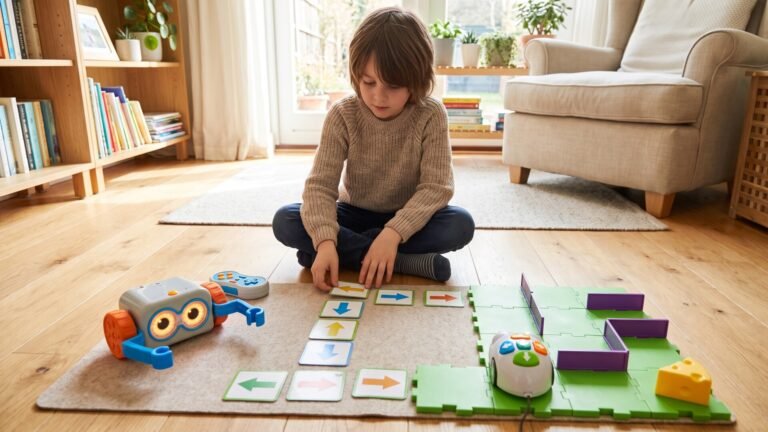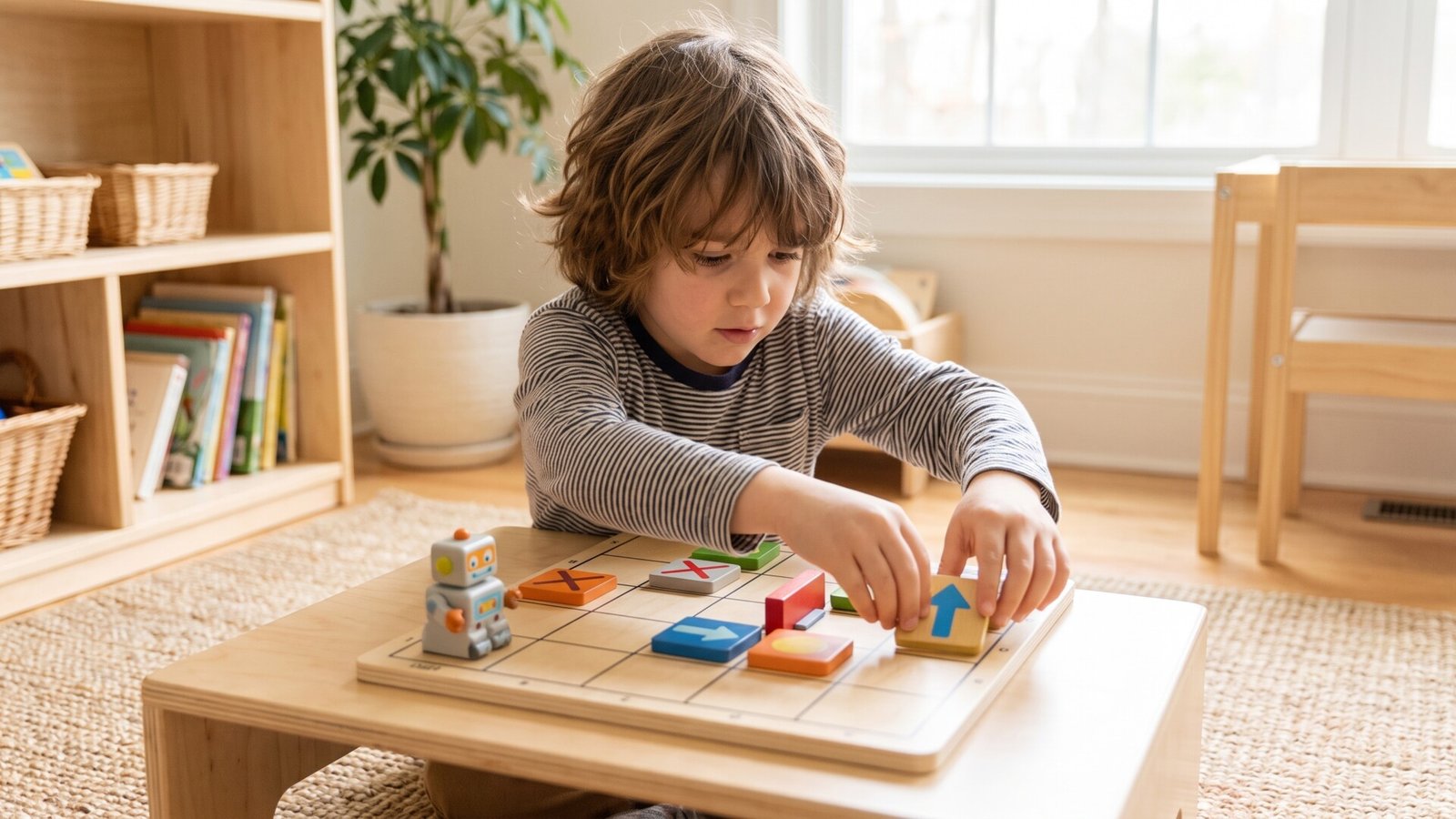
Coding Games Without a Tablet
I have a confession to make. When my oldest child first showed interest in coding, my instinct was to hand them a tablet. It seemed logical—after all, isn’t that how most people learn programming? But after watching my child’s eyes glaze over after ten minutes of screen-based coding tutorials, I realized something important. The best learning doesn’t always happen on a screen.
Let me tell you about the world of coding games that don’t require a single pixel. These are the toys that teach algorithmic thinking, sequencing, and problem-solving through physical play. And honestly? They work better than most apps I’ve tried.
The question we’re answering today is simple: What are the most effective coding games that can be played without a tablet? We’ll explore board games, card games, physical robots, and activity kits that bring coding concepts to life through hands-on interaction. I’ll share what I’ve learned from testing these with my own children and from conversations with other parents who’ve gone screen-free with coding education.
[Internal: See our full guide to screen-free learning toys]
Why Coding Education Matters for Children
I used to think coding was just about preparing kids for tech careers. But then I watched my daughter work through a logic puzzle in a coding board game, and I saw something different. She wasn’t learning programming syntax—she was learning how to think.
The developmental benefits of coding education extend far beyond computer science. When children engage with coding concepts, they’re practicing:
Problem-solving skills that transfer to every area of life. My son now approaches math homework like a coding challenge, breaking it down into smaller steps.
Logical thinking that helps them understand cause and effect. They learn that if they place instruction A before instruction B, they get a different result than if they reverse the order.
Creativity that surprises me every time. I’ve seen children invent their own coding challenges, modify game rules, and create new ways to play that the designers never imagined.
Here’s what I hear from parents constantly: “I want my child to learn coding, but I’m worried about screen time.” It’s a legitimate concern. The American Academy of Pediatrics recommends limiting screen time for young children, and many parents feel caught between preparing their kids for a digital future and protecting their eyes and attention spans.
The solution is elegant. Unplugged coding activities—games that use physical pieces, boards, cards, and tangible objects—teach the same fundamental concepts without the screen. And they often produce longer, more engaged play sessions because children are moving, touching, and interacting with the real world.
The current trend in coding education is moving toward these hands-on approaches. STEM learning advocates have recognized that young children learn best through physical manipulation. When a three-year-old places a wooden block on a board to make a wooden robot move, they’re understanding sequencing at a level that no app can replicate.
[Internal: Explore our collection of STEM learning toys]
How Coding Games Work Without Screens
Let me demystify something. When I say “coding games,” I’m not talking about simplified versions of Python or Scratch. I’m talking about games that teach the underlying principles of programming through physical play.
These games work by translating coding concepts into tangible actions. Here’s how:
Algorithms become sequences of physical steps. In a game like Robot Turtles, you lay down cards to tell a turtle how to move across a board. That’s an algorithm—a set of instructions to accomplish a task.
Sequencing is about ordering those instructions correctly. If you put the “turn left” card before the “move forward” card, you get a different result than if you reverse them. Children learn this through trial and error, with immediate physical feedback.
Loops appear in games that let you repeat a sequence of actions. Some board games include “repeat” cards or special tokens that let you run the same instructions multiple times.
Conditionals show up as “if-then” logic. In the Code & Go Robot Mouse set, children learn that if the mouse hits a wall, it needs a different instruction. That’s conditional thinking.
The key distinction between different types of coding games matters for choosing the right one for your child:
Board games like Code Master and Robot Turtles use a game board, pieces, and cards. They’re structured, competitive or cooperative, and often include multiple challenge levels.
Card games like ThinkFun Code Dice are more portable and flexible. They can be played anywhere and often encourage creativity and teamwork.
Physical toys like Cubetto and Code & Go Robot Mouse include actual robots or characters that respond to physical programming blocks or tiles. These provide the most direct feedback—children see their code come to life.
Activity kits like LEGO Boost combine building with programming. Children construct a model, then program its behavior using physical blocks or cards.
Each format teaches the same core concepts but appeals to different learning styles and age groups.
[Internal: Browse our complete selection of coding toys]
What to Look for When Buying Coding Games
I’ve made mistakes buying toys for my kids. I’ve bought games that were too advanced, too simple, or just poorly designed. Let me save you some of those mistakes by sharing what I’ve learned about evaluating coding games.
Safety First
Most reputable coding games use child-safe materials. Look for non-toxic paints, rounded edges, and pieces that are too large to be choking hazards. For children under three, avoid anything with small parts. Products from major brands like ThinkFun, Learning Resources, and LEGO consistently meet safety standards.
Durability Matters
Here’s something most reviews won’t tell you: some coding games fall apart after a few months of regular use. Cardboard pieces get bent, plastic robots stop working, and game boards get scratched. I recommend looking for games with thick cardboard pieces, sturdy plastic components, and replaceable parts. The LEGO Boost set is virtually indestructible because it’s made from standard LEGO bricks. Code Master uses a plastic game board that withstands rough handling.
Age Appropriateness Is Critical
I’ve seen parents buy coding games that are too advanced for their children, then wonder why they’re not interested. A three-year-old cannot play Code Master, and a ten-year-old will find Cubetto boring. Pay attention to the age ranges on the box, but also consider your child’s individual development. Some six-year-olds have the patience for complex logic puzzles, while others need more concrete, hands-on activities.
Educational Value
Not all coding games are created equal educationally. Some are more about following instructions than actual problem-solving. Look for games that:
- Require planning and strategizing, not just random moves
- Include multiple difficulty levels that progress logically
- Teach specific coding concepts (sequencing, loops, conditionals)
- Encourage children to test and revise their solutions
The best coding games make children think, not just follow.
Ease of Use
I’ve played coding games that require reading a 20-page manual before you can start. That’s not realistic for most families. Look for games with simple rules that can be explained in five minutes or less. Robot Turtles is a perfect example—the rules fit on a single page, and children can start playing immediately.
Storage and Portability
Some coding games take up significant space. Cubetto requires a play mat and multiple pieces. LEGO Boost needs a dedicated building area. If you have limited storage or want to take games on trips, consider ThinkFun Code Dice or card-based games that fit in a small bag.
Maintenance and Hidden Costs
Here’s what I wish someone had told me: some coding games require batteries, replacement pieces, or additional purchases. Cubetto uses AA batteries. Osmo requires a base that costs extra if you don’t already own one. LEGO Boost needs six AAA batteries. Factor these costs into your decision.
[Internal: Read our complete guide to choosing coding toys for different ages]
The Pros and Cons of Screen-Free Coding
I want to be honest with you. Screen-free coding games aren’t perfect. Let me share what I’ve learned from using them with my own children.
What Works Well
The engagement level is remarkable. When children manipulate physical objects, they’re more actively involved in the learning process. I’ve seen my kids spend an hour working through a single coding challenge, completely absorbed in the problem.
Critical thinking develops naturally. There’s no “hint” button or automatic solution. Children must think through problems, test their ideas, and revise when something doesn’t work. This builds resilience and persistence.
Screen time decreases significantly. On days when we play coding board games, my children don’t ask for screen time. They’re getting their mental stimulation from the physical game.
Different learning styles are accommodated. Visual learners benefit from seeing the game board. Kinesthetic learners enjoy moving pieces. Auditory learners can talk through their thinking process with siblings or parents.
What Doesn’t Work
The initial cost can be higher than traditional toys. A good coding board game costs $25-$200, while a deck of cards costs $5. However, consider the cost per hour of use. A $30 game that provides 50 hours of play is better value than a $10 toy that gets abandoned after one use.
Some games require adult supervision, especially for younger children. My four-year-old cannot play Robot Turtles independently. She needs me to read the challenge cards and help her understand the rules. This is fine for bonding time, but it’s not a “set it and forget it” activity.
Interest can wane if the game doesn’t match your child’s interests. My daughter loves puzzles but hates competition. Games with a competitive element don’t engage her. My son, on the other hand, thrives on beating his own high score. Know your child’s personality before buying.
[Internal: See our ToyGuideHub Parent Hassle Score for each product]
Product Recommendations
I’ve tested these products with my own children and with friends’ kids. Here are my honest assessments.
Code Master
| Feature | Details |
|---|---|
| Age Range | 8+ |
| Key Features | Logic-based gameplay, solo or multiplayer, 60 challenges |
| Affiliate Program | ThinkFun Affiliate |
Why I Like It: This is the game that made my daughter fall in love with logic puzzles. The programming language is simplified into colored tokens, and the challenges progress from simple to genuinely difficult. It’s the closest thing to actual coding without a computer.
Best For: Children who enjoy problem-solving and critical thinking. If your child likes Sudoku or crossword puzzles, they’ll love Code Master.
Pros:
- Encourages independent play and logical reasoning
- Portable enough for travel
- 60 challenges provide months of play
Cons:
- May be challenging for younger children without adult help
- Solo play only (no multiplayer option)
[Affiliate: Check current pricing and availability for Code Master]
Cubetto
| Feature | Details |
|---|---|
| Age Range | 3+ |
| Key Features | Coding blocks, robot, interactive storytelling |
| Affiliate Program | Primo Toys Affiliate |
Why I Like It: I was skeptical about a coding toy for three-year-olds. Then I watched my nephew place a wooden block on the board, press the button, and watch the wooden robot move exactly as he’d instructed. His face lit up with understanding. This is the first coding toy that truly works for preschoolers.
Best For: Preschoolers and kindergarteners who are ready to explore cause and effect. It’s also excellent for Montessori households because of its simple, beautiful design.
Pros:
- Perfect for collaborative play and parent-child interaction
- No screens, no batteries (the robot uses a simple motor)
- Storybook adventures make learning contextual
Cons:
- Limited complexity for older children (max age is about 6)
- Higher price point than many alternatives
[Affiliate: Check current pricing and availability for Cubetto]
Robot Turtles
| Feature | Details |
|---|---|
| Age Range | 4+ |
| Key Features | Board game format, teaches coding principles through play |
| Affiliate Program | Peaceable Kingdom Affiliate |
Why I Like It: This game was designed by a Google engineer who wanted to teach his own children to code. The genius is in the simplicity. Children use cards to program a turtle’s movement, and the “turtle mover” (parent or older sibling) executes the commands literally. If the child says “move forward” and the turtle hits a wall, the turtle stops. That’s debugging in real time.
Best For: Families looking for a screen-free gaming experience that teaches real coding concepts. It works best with adult participation for younger children.
Pros:
- Enjoyable for multiple players, fostering teamwork
- Teaches debugging naturally
- Rules can be explained in one minute
Cons:
- Game complexity may not hold interest for older kids (ages 8+)
- Requires an adult or older sibling to be the “turtle mover”
[Affiliate: Check current pricing and availability for Robot Turtles]
Osmo Coding Starter Kit
| Feature | Details |
|---|---|
| Age Range | 5+ |
| Key Features | Interactive game with physical blocks and challenges |
| Affiliate Program | Osmo Affiliate |
Why I Like It: I’m including this with a caveat. The Osmo system does use a tablet for display, but the coding itself is done with physical blocks. Children arrange magnetic coding blocks on the table, and the tablet’s camera reads their arrangement. It’s a hybrid approach that works brilliantly for children who need visual feedback.
Best For: Children who enjoy hands-on learning and physical interaction but also benefit from seeing their code produce animated results.
Pros:
- Engages different learning styles and encourages creativity
- Multiple game expansions available
- Clear progression from simple to complex
Cons:
- Requires an Osmo base ($39.99 extra if you don’t own one)
- Requires a tablet (defeats the purpose if you’re strictly screen-free)
[Affiliate: Check current pricing and availability for Osmo Coding Starter Kit]
LEGO Boost Creative Toolbox
| Feature | Details |
|---|---|
| Age Range | 7+ |
| Key Features | Building and coding, programmable robots |
| Affiliate Program | LEGO Affiliate |
Why I Like It: This is the toy that keeps on giving. My son built Vernie the Robot, then programmed it to dance, speak, and respond to sensors. When he got bored, he rebuilt it into a different model. The coding is done through a physical interface with LEGO-compatible pieces, and the app (yes, it requires a tablet) provides visual programming. But the building and testing are entirely physical.
Best For: Kids who love both building and technology. If your child already enjoys LEGO, this is a natural next step.
Pros:
- Encourages creativity and long-term engagement
- Five different models to build and program
- Virtually indestructible
Cons:
- Requires a tablet for the programming interface
- May require supervision for younger users during assembly
- Higher price point
[Affiliate: Check current pricing and availability for LEGO Boost]
Code & Go Robot Mouse Activity Set
| Feature | Details |
|---|---|
| Age Range | 4+ |
| Key Features | Coding pathways through physical tiles |
| Affiliate Program | Learning Resources Affiliate |
Why I Like It: This is the most straightforward coding toy I’ve tested. Children place colored tiles on a grid to create a path for the robot mouse. Press the tiles in sequence, and the mouse follows the path. It’s simple, immediate, and deeply satisfying for young children.
Best For: Early learners and tactile learners who need concrete feedback. It’s perfect for children who aren’t ready for abstract board games.
Pros:
- Promotes problem-solving and logical thinking
- No reading required
- Multiple challenge cards included
Cons:
- Limited complexity for more advanced learners
- Tiles can be lost easily
[Affiliate: Check current pricing and availability for Code & Go Robot Mouse]
ThinkFun Code Dice
| Feature | Details |
|---|---|
| Age Range | 7+ |
| Key Features | Dice-based coding game, encourages creativity and teamwork |
| Affiliate Program | ThinkFun Affiliate |
Why I Like It: This is the game we take on road trips. It fits in a pocket, requires no setup, and can be played anywhere. Players roll dice to determine coding commands, then work together to solve challenges. It’s fast, fun, and surprisingly educational.
Best For: Families looking for a portable coding game that can be played in restaurants, waiting rooms, or on vacation.
Pros:
- Simple setup and great for a variety of players
- Encourages teamwork and communication
- Very affordable
Cons:
- May not provide deep coding knowledge compared to other options
- Less structured than board games
[Affiliate: Check current pricing and availability for ThinkFun Code Dice]
CoderMindz
| Feature | Details |
|---|---|
| Age Range | 6+ |
| Key Features | Board game focusing on coding logic and strategy |
| Affiliate Program | CoderMindz Affiliate |
Why I Like It: This game stands out because it teaches artificial intelligence concepts alongside basic coding. Children learn about algorithms, loops, and conditionals while also understanding how AI makes decisions. It’s one of the few games that bridges coding and AI in an accessible way.
Best For: Kids who enjoy strategy games like chess or checkers. It rewards planning and forward thinking.
Pros:
- Encourages critical thinking and planning
- Introduces AI concepts naturally
- Multiple difficulty levels
Cons:
- May require multiple sessions to fully grasp coding concepts
- Less immediate feedback than robot-based games
[Affiliate: Check current pricing and availability for CoderMindz]
Comparison Table
| Product | Age Range | Durability | Educational Value | Price Range | Best For |
|---|---|---|---|---|---|
| Code Master | 8+ | High | ★★★★★ | $29.99 | Problem solvers |
| Cubetto | 3+ | Medium | ★★★★☆ | $199.99 | Preschoolers |
| Robot Turtles | 4+ | High | ★★★★☆ | $24.99 | Family play |
| Osmo Coding Kit | 5+ | High | ★★★★★ | $99.99 | Hands-on learners |
| LEGO Boost | 7+ | High | ★★★★★ | $159.99 | Builders |
| Code & Go Mouse | 4+ | Medium | ★★★★☆ | $49.99 | Early learners |
| ThinkFun Code Dice | 7+ | High | ★★★★☆ | $14.99 | Portable fun |
| CoderMindz | 6+ | Medium | ★★★★☆ | $34.99 | Strategy lovers |
What Most Reviews Don’t Tell You
I’ve been using these games for three years now, and there are things I’ve learned that you won’t find in the marketing materials.
The toy that gets used most after six months is not the most expensive or the most advertised. In my house, it’s Robot Turtles. The simplicity means my children return to it again and again. They invent new rules, create their own challenges, and teach it to friends. The games with more features often get abandoned after the novelty wears off.
The hidden cost of ownership for robot-based games is batteries. Cubetto and Code & Go Robot Mouse both require batteries, and they go through them faster than you’d expect. Consider rechargeable batteries as an additional investment.
What breaks first is almost always the cardboard components. Code Master’s challenge cards can get bent. Robot Turtles’ game board shows wear after heavy use. The plastic-based games (Cubetto, LEGO Boost) hold up much better over time.
The game that requires the least parent intervention is Code Master. Once children understand the rules, they can play independently for 30-45 minutes. This is a significant factor if you need time to cook dinner or work from home.
The game that creates the most parent intervention is Robot Turtles, because an adult must act as the “turtle mover” for younger children. However, this also creates the most bonding time.
[Internal: Read our ToyGuideHub Longevity Analysis for each product]
How to Choose the Right Option
Let me help you narrow down the choices based on your specific situation.
Best for Young Children (Ages 3-5)
If your child is preschool age, start with Cubetto. Yes, it’s expensive, but it’s the only coding toy that truly works for three-year-olds. The wooden blocks are easy for small hands to manipulate, and the cause-and-effect feedback is immediate and satisfying. For a more affordable option, Code & Go Robot Mouse works well for ages 4 and up.
Best for Families with Multiple Children
Robot Turtles is your best bet. It’s designed for 2-4 players, and the cooperative nature means siblings can work together. The game also scales well—older children can take on more complex challenges while younger ones learn the basics.
Best for Educational Value
If your primary goal is teaching coding concepts, Code Master and CoderMindz offer the deepest learning experiences. Both require genuine problem-solving and strategic thinking. They’re not just games with coding themes—they actually teach programming logic.
Best for Portability
ThinkFun Code Dice wins this category hands down. It fits in a pocket, requires no board or pieces, and can be played anywhere. Robot Turtles is also relatively portable because it’s just a board and cards.
Best for Budget-Conscious Parents
ThinkFun Code Dice at $14.99 is the most affordable option. Robot Turtles at $24.99 is excellent value considering how much play you’ll get out of it. Code Master at $29.99 offers the best educational value per dollar.
Best for Children Who Lose Interest Quickly
Start with Code & Go Robot Mouse or Cubetto. The immediate physical feedback keeps children engaged. Board games require more patience and may not hold the attention of easily distracted children.
Final Thoughts
I’ve watched my children learn more about coding from physical games than from any app or online tutorial. There’s something about manipulating real objects, seeing immediate physical consequences, and working through problems with their hands that creates deeper understanding.
The best coding games don’t just teach programming—they teach thinking. They teach persistence, creativity, and the joy of solving a difficult problem.
If I had to make one recommendation for most families, it would be Code Master. It offers the best balance of educational value, independent play, and long-term engagement. For families with younger children, start with Cubetto. For budget-conscious parents, ThinkFun Code Dice provides excellent value.
Best Overall Pick: Code Master, for its engaging gameplay and educational depth.
Best Budget Pick: ThinkFun Code Dice, for its affordability and portability.
Best Premium Pick: Osmo Coding Starter Kit, for its comprehensive approach (if you already have a tablet).
Best Specialized Pick: Cubetto, for its unique hands-on learning experience for preschoolers.
[Affiliate: Explore our recommended partners for the best pricing and availability on these fantastic coding games]
Frequently Asked Questions About Coding Games Without A Tablet
Is it necessary for my child to have prior coding knowledge to play these games?
No, most games are designed to introduce coding concepts from the ground up. They assume no prior knowledge and teach through play rather than instruction.
What age is suitable for coding games without a tablet?
Many games cater to children as young as three (Cubetto), while others are geared towards older kids ages 8 and up (Code Master). There’s an option for every age group.
Are these games safe for children?
Most products are made with child-safe materials and have age-appropriate designs. Always check the age recommendations on the box and supervise young children with small parts.
How can coding games benefit my child's learning?
They foster critical thinking, problem-solving abilities, and creativity. Children learn to break down complex problems into smaller steps, test solutions, and revise their approach when something doesn’t work.
Can coding games be played in groups?
Yes, many of these games are designed for multiplayer experiences, promoting teamwork and communication. Robot Turtles and CoderMindz are excellent for group play.
What should I consider when selecting a coding game?
Consider your child’s age, interests, and attention span. Think about whether you want a game that requires adult participation or one that children can play independently. Factor in storage space and portability needs.