Best Coding Kits for Preschoolers with ADHD: A Complete Guide
Many parents of energetic preschoolers wonder whether a coding kit can hold a child’s attention for more than a few minutes, especially when a child has an ADHD diagnosis or is going through an evaluation. The honest answer is that no toy is a treatment, and every child is different. What a good coding kit can offer is a short, hands-on activity with a clear goal, quick feedback, and a way to move, which many young children enjoy whether or not they have ADHD.
This guide covers what to look for in a preschool coding kit, four kits we think are worth considering, and what to avoid. We summarise manufacturer and retailer information rather than testing every kit hands-on, and nothing here is medical or therapeutic advice. If you have questions about your child’s attention or learning, your pediatrician or an occupational therapist is the right person to ask. For the wider picture, see our STEM toys guide and our guide to beginner coding toys for preschoolers (no tablet needed).
Why Coding Play Can Suit Active Preschoolers
Early “coding” for preschoolers is not about typing code. It is about sequencing: deciding what happens first, next and last, then watching a toy follow those steps. That kind of play invites children to practise planning, trial and error, and persistence. Because a robot or character responds right away, the cause and effect is easy to see, and a mistake simply means trying again.
We do not claim that coding kits improve focus or treat ADHD. What we can say is that tangible, screen-free kits with short activities and a physical component give children something to do with their hands, which many families with active children find helpful. For related ideas, see quick STEM activities for kids with short attention spans, simple electronics kits for young learners with ADHD, and STEM toys for visual learners with ADHD.
Types of Preschool Coding Kits
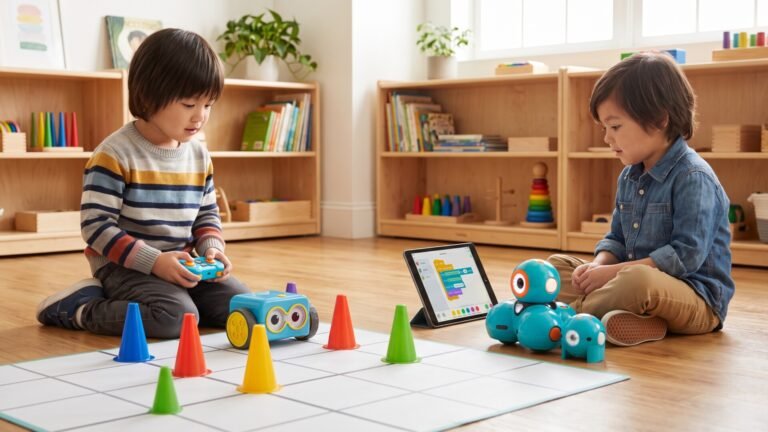
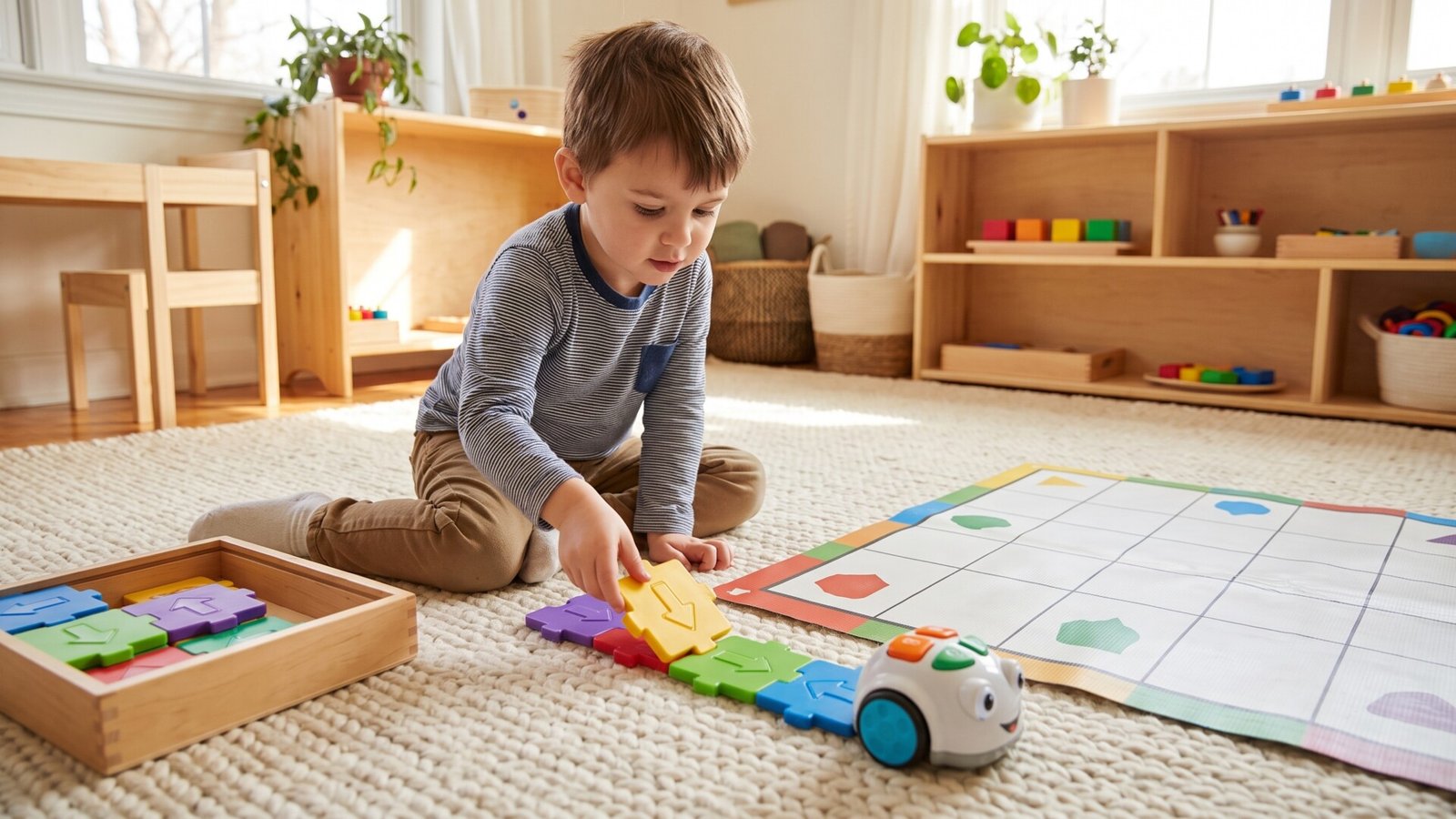
Block or card coding uses physical blocks or cards that stand for commands such as forward, turn and repeat. Children place them in order to control a toy. These are screen-free and tactile.
Screen-based coding uses an app or website where children drag and drop commands. It can be engaging, but it adds screen time that some families prefer to limit.
Robot-based coding combines a physical robot with a way to program it, either through buttons, blocks or an app. The robot’s movement gives clear, visible feedback.
What to Look for
Age grade and small parts. Check the age on the box and any choking-hazard warning. Children who act impulsively with objects need extra care around small parts. The age grade is a safety rating, so also consider your own child’s fine motor skills.
Quick feedback and short activities. Kits where a child can see a result within a minute or two tend to suit short attention spans better than those with long set-up or many steps.
Durability and storage. Active play can be rough on toys, so look for sturdy construction and a simple way to put pieces away. See our guide to open-ended toys for independent play for ideas that need less adult involvement.
Adult involvement and screen time. Some kits can be used independently, others need a parent nearby. Decide how much time and screen use suits your family.
Coding Kits to Consider
Cubetto Playset (Ages 3–6)
Cubetto is a wooden robot programmed with physical coding blocks that slot into an interface board, so children “write” a program by placing blocks and then pressing a button to send the robot across a map. The playset includes the robot, interface board, 16 coding blocks, a 1 m x 1 m illustrated world map, a story book and a manual. The robot needs 6 AA batteries (not included) and connects via Bluetooth to the board; programming itself uses no screen. The maker lists it as suitable for ages 3–6.
Best for: Younger preschoolers who like hands-on, story-based play. Trade-offs: It is one of the pricier preschool coding toys, and older children may outgrow it; check the current USD price on the listing.
[Affiliate: Check price on Amazon] (affiliate placeholder, add /go/ link)
Learning Resources Code & Go Robot Mouse Activity Set (Ages 4+)
This screen-free set has 83 pieces: Colby the robot mouse, 16 maze grids, 22 maze walls, 3 tunnels, a cheese wedge, 30 double-sided coding cards, 10 double-sided activity cards and an activity guide. Children build a maze, plan a path with the cards, then use buttons on the mouse to guide it to the cheese. Colby lights up, makes sounds and has two speeds. It needs 3 AAA batteries (not included), and the listing carries a choking-hazard warning and says it is not for children under 3. One retailer lists it at about $72; prices vary by seller, so check current pricing.
Best for: Ages 4–6 who like building a maze and getting quick results. Trade-offs: Lots of small pieces to keep track of, and the coding skills are fairly basic.
[Affiliate: Check price on Amazon] (affiliate placeholder, add /go/ link)
Osmo Coding Starter Kit (Ages 5–10)
Osmo kits pair physical pieces with an iPad or iPhone app, so they involve screen time. The Coding Starter Kit is listed by retailers for ages 5–10, and the Coding Awbie game teaches sequencing through a story. We could not confirm that the Osmo Genius Starter Kit named in earlier versions of this article is still sold, so check availability, device compatibility and the app’s current requirements before buying.
Best for: Kindergarten-age children who already use a tablet. Trade-offs: Requires a compatible Apple device and screen time; pieces can go missing.
[Affiliate: Check price on Target] (affiliate placeholder, add /go/ link)
Tynker (Ages 5–18)
Tynker is a subscription coding platform rather than a physical kit. Tynker’s pricing page lists individual plans at about $18 a month billed quarterly ($54), about $15 a month billed yearly ($180), or a $468 lifetime option, each covering up to three children, with a 40 percent promotion at the time we checked. It is described as suitable for ages 5–18, so most preschoolers will be better served by a physical kit first.
Best for: Kindergarten and early elementary children ready for screen-based lessons. Trade-offs: Fully screen-based, needs an internet connection, and the subscription cost adds up.
[Affiliate: Check price on Tynker] (affiliate placeholder, add /go/ link)
A Note on LEGO Boost
Earlier versions of this article recommended the LEGO Boost Creative Toolbox (17101). That set has been retired by LEGO and is now available mainly from resellers, and it is graded for ages 7 and up, so it is not a preschool pick. For building-plus-coding ideas for older children, see our guides to beginner coding kits for 5–7 year olds and robotics kits for 10–12 year olds.
Side-by-Side Comparison
| Product | Ages (maker/retailer) | Screen needed? | Price (USD) | Watch for |
|---|---|---|---|---|
| Cubetto Playset | 3–6 | No (Bluetooth board; 6 AA batteries) | Check current price | Premium price |
| Code & Go Robot Mouse | 4+ | No (3 AAA batteries) | About $72 at one retailer | 83 pieces, choking hazard under 3 |
| Osmo Coding Starter Kit | 5–10 | Yes (Apple device) | Check current price | Availability, device support |
| Tynker | 5–18 | Yes | About $15–$18/month; $468 lifetime | Subscription |
How to Choose
- Screen-free and younger (3–6): Cubetto.
- Maze-building and movement (4+): Code & Go Robot Mouse.
- Already comfortable with a tablet (5+): Osmo Coding or Tynker.
- Gentler, quieter options: see coding games without a tablet and STEM toys for autistic preschoolers, or build fine motor skills first with these STEM toys.
Frequently Asked Questions About Coding Kits For Preschoolers With ADHD
What can preschoolers learn from coding kits?
They invite practice with sequencing, cause and effect, trial and error and early problem-solving. Skills develop at different rates, so follow your child’s interest.
Do coding kits help children with ADHD focus?
There is no evidence in this article that a coding kit improves focus or treats ADHD. Some families find short, hands-on activities with quick feedback a good fit for active children. Talk to your pediatrician or occupational therapist about your child’s needs.
Are there safety concerns with coding kits?
Check the age grade, any choking-hazard warning, and battery compartments. The Code & Go Robot Mouse listing, for example, warns that it is not for children under 3. Supervise young children, especially around small parts and batteries.
How do I know if my child is ready?
Interest in simple cause-and-effect games, the ability to follow two-step instructions, and basic hand skills are useful signs. Start with the simplest option and move up.
Should I pick a screen-free kit?
Screen-free kits such as Cubetto and Code & Go avoid extra screen time and suit most preschoolers. Screen-based options are better for older children who are already comfortable with tablets.
Can siblings or classmates share a kit?
Yes. Block and card kits work well for taking turns programming and testing, which also practises waiting and cooperation.
Final Thoughts
The best coding kit is the one your child actually wants to play with. For most preschoolers a screen-free option such as Cubetto or the Code & Go Robot Mouse is a good place to start, with tablet-based tools saved for later. Check age grades and prices on the listing before buying. ToyGuideHub may earn a commission from qualifying purchases made through links on this page, at no extra cost to you.