LEGO SPIKE Prime vs. EV3 (Which Is Better for Home Learning?)
A Parent’s Guide to Choosing the Right LEGO Robotics System
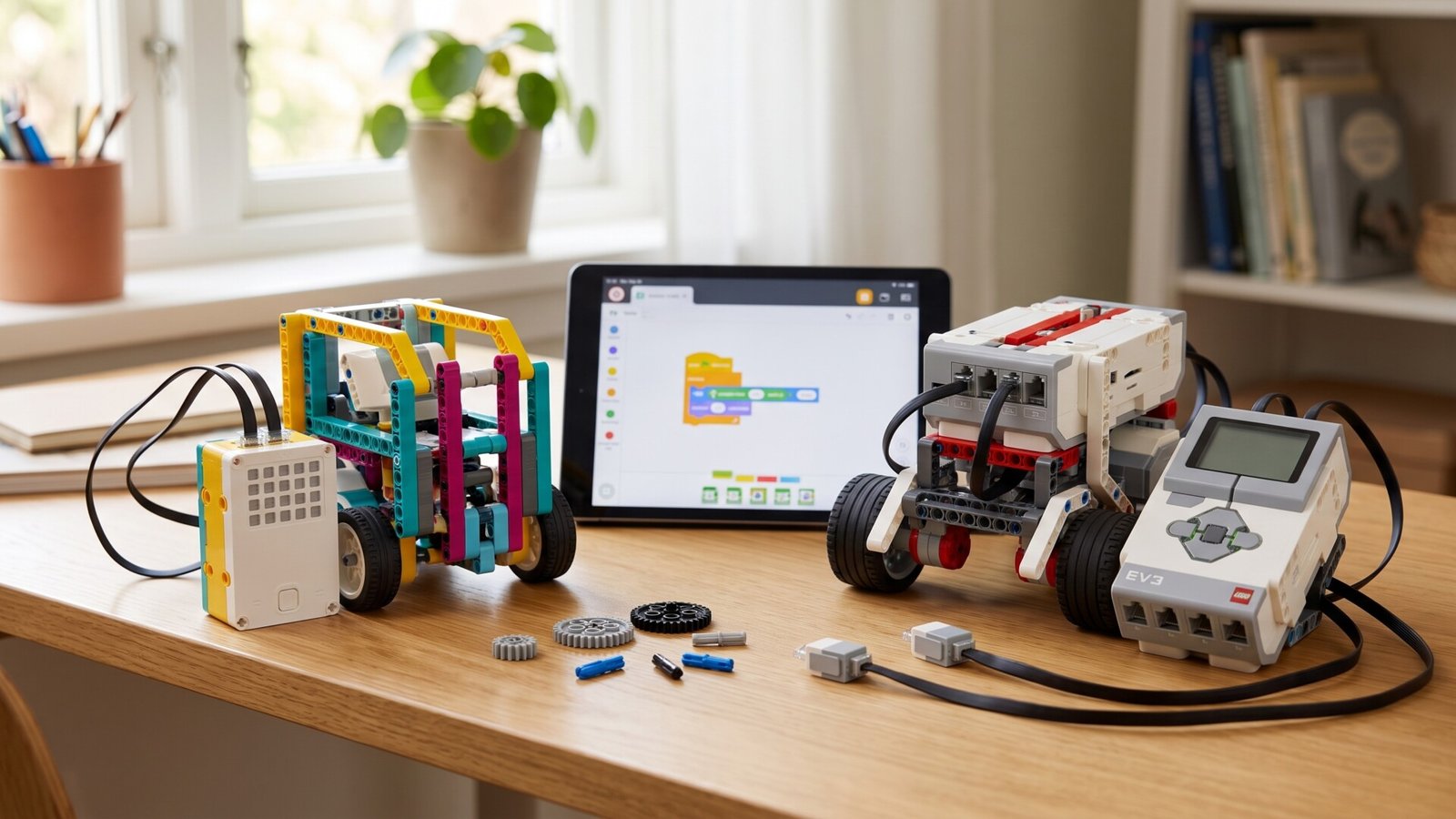
If you’re thinking about bringing robotics and coding into your home, you’ve likely come across two popular LEGO systems: LEGO Mindstorms EV3 and LEGO Education SPIKE Prime. Both are impressive. Both teach real engineering. Both let kids build robots that actually move, react, detect, and solve problems. And both are used in schools, robotics camps, and global competitions.
But when it comes to home learning, the experience can feel different. EV3 and SPIKE Prime aren’t equal in complexity, ease-of-use, long-term potential, or durability—and choosing the right one for your child will affect how much they learn, how much they enjoy it, and how independently they can use it without you needing to troubleshoot every 10 minutes.
This guide breaks down everything you need to know: learning curve, coding tools, sensors, building experience, ease of setup, durability, challenge difficulty, and which age group each system truly fits.
A Quick Overview of Both Systems
Before comparing them, here’s a quick picture of what each system offers.
|
LEGO Education SPIKE Prime |
LEGO Mindstorms EV3 (Classic System) |
|
|
Both can absolutely work at home—but they work differently.
Ease of Setup: SPIKE Prime Is Instantly More User-Friendly
|
EV3 Setup Experience |
SPIKE Prime Setup Experience |
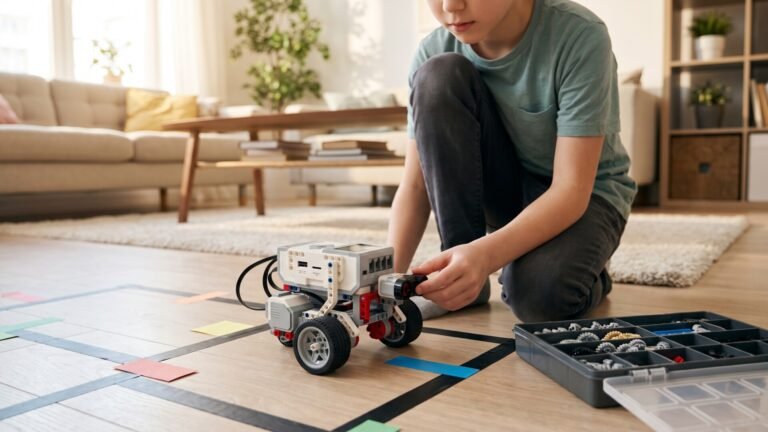
EV3 has a wonderful amount of depth, but the initial setup can feel a little intimidating for kids who haven’t used robotics before. You need to:
It’s not difficult, but it’s not “open the box and start” either. |
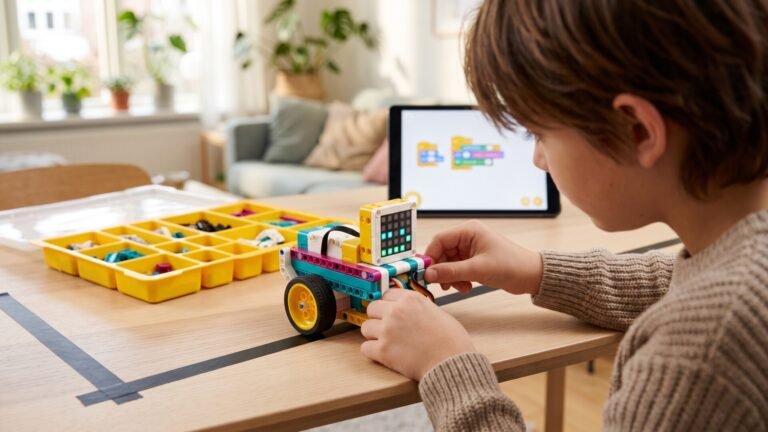
SPIKE Prime, on the other hand, is clearly designed for smooth classroom use:
From opening the box to building your first robot can take as little as 30 minutes. |
Winner for Home Setup:
✔ SPIKE Prime
Coding: Which One Teaches Better?
This depends on your child’s age and coding confidence.
|
How Kids Code with EV3 |
How Kids Code with SPIKE Prime |
EV3 lets kids start with drag-and-drop blocks, then gradually move into more advanced programming. Options include:
The EV3 environment can look busy, especially for first-timers. But the advantage is that EV3 rewards kids who like depth and complexity. |
SPIKE Prime uses the newer LEGO Education coding app, which is:
Kids start with Scratch-like blocks but can switch to Python when they’re ready. Coding feels easier, less overwhelming, and more polished than the EV3 interface. |
Winner for Coding:
✔ SPIKE Prime for ease
✔ EV3 for long-term technical depth
Building Experience: Classic Engineering vs. Colorful Creativity
|
EV3 Building Style |
SPIKE Prime Building Style |
EV3 models feel like real engineering projects. They use:
For kids who love machines, gears, and realistic robotics, EV3 feels authentic. Robots look more “industrial” and less toy-like. |
SPIKE introduces:
This makes learning accessible and fun, especially for younger kids. SPIKE models look modern, friendly, and more approachable. |
Winner for Building:
✔ EV3 for kids who like complex engineering
✔ SPIKE Prime for kids who want smoother builds
Sensors & Motors: Which System Offers More?
|
EV3 Sensors |
SPIKE Prime Sensors |
EV3 includes:
The motors are strong and precise, and the sensors are remarkably reliable—especially the infrared and gyro. |
SPIKE Prime includes:
Motors are quieter, smoother, and more modern. The sensors respond faster and integrate beautifully with the coding app. |
Winner:
✔ SPIKE Prime for modern performance
✔ EV3 for wider sensor variety
Durability & Practical Home Use
Both are durable, but they behave differently when handled roughly.
|
EV3 Durability |
SPIKE Prime Durability |
EV3 robots are built like tanks. The pieces lock together tightly, and the motors rarely fail. You can drop the brick and it will usually survive. Wiring can sometimes loosen, but overall EV3 is incredibly robust. |
SPIKE Prime is sturdy but uses more compact connectors. Younger kids may accidentally tug on cables or dislodge wires more easily than with EV3. That said, SPIKE is absolutely classroom-ready and made to withstand lots of hands. |
Winner for Durability:
✔ EV3, slightly
Learning Curve: Which Is Easier for Kids?
|
EV3 Learning Curve |
SPIKE Prime Learning Curve |
V3 feels like learning robotics as it was taught for the past decade:
For some kids, that’s amazing. For others, it can feel overwhelming. |
SPIKE Prime is much more streamlined:
It’s perfect for kids who want to jump into coding and robotics without manual-heavy instructions. |
Winner:
✔ SPIKE Prime
Age Recommendations (Realistic, Not Box Labels)
|
Best Ages for EV3 |
Best Ages for SPIKE Prime |
EV3 works best for:
|
SPIKE Prime is ideal for:
Older kids can still learn Python and advanced robotics on SPIKE Prime, so it scales well. |
Home Learning Experience: Which System Feels Better Day-to-Day?
|
What EV3 Feels Like at Home |
What SPIKE Prime Feels Like at Home |
EV3 feels like a project. You might spend:
If your child enjoys engineering and isn’t easily frustrated, EV3 is incredibly rewarding. But EV3 requires patience. |
SPIKE Prime feels like a kit designed for the rhythm of real life. Kids can:
SPIKE designs often take 15–30 minutes to build, which is ideal for after school or weekend learning. |
Winner for Home Ease:
✔ SPIKE Prime
Which One Is Better for Independent Learning?
|
EV3 |
SPIKE Prime |
Kids often need parental help, especially at the beginning. Once they learn the basics, they can take off—but the early phase may require guidance. |
Kids can work independently from day one. The interface, instructions, and built-in lessons are so intuitive that children naturally self-direct. |
Winner for Independence:
✔ SPIKE Prime
Which System Is Better for Long-Term Learning?
This depends on your child’s personality.
|
EV3 Long-Term Advantages |
SPIKE Prime Long-Term Advantages |
If your child is future-engineer material, EV3’s depth is unbeatable. |
For kids who want to explore coding and robotics without the heavy mechanical complexity, SPIKE is ideal. |
Winner:
✔ Tie – Depends on your child’s interests
Which System Should You Buy?
|
Buy LEGO EV3 if your child: |
Buy LEGO SPIKE Prime if your child: |
EV3 is for the child who wants to understand how machines work. |
SPIKE is the system that keeps kids motivated day after day. |
Which One Should You Choose for Home? My Final Verdict
If your goal is easy, enjoyable, structured home learning, go with LEGO SPIKE Prime.
If your goal is deep mechanical engineering, go with LEGO Mindstorms EV3.
Both will teach your child amazing robotics and coding skills. Both support creativity and problem-solving. Both are excellent learning investments.
But the smoother, friendlier, more modern SPIKE Prime experience makes it the better fit for most families—especially if your time is limited or your child wants to work independently.