LEGO Mindstorms EV3 for Home Learning (Full Parent Guide)
How to use robotics, coding, and hands-on engineering to teach real STEM skills at home
If you’ve been wondering whether LEGO Mindstorms EV3 is worth bringing into your home for learning, you’re not alone. Parents everywhere are looking for ways to teach coding, engineering, and problem-solving in a way that actually keeps kids engaged—and EV3 is one of the most powerful tools you can use.
Even though LEGO stopped producing EV3 in 2021 in favor of SPIKE Prime, EV3 kits are still widely used, widely available, and deeply loved. They remain one of the best at-home robotics learning systems because they strike the perfect balance between creative building and real programming.
If your child already loves LEGO, robots, or anything they can “make move,” this system offers a huge leap forward from typical STEM toys. And the best part: you don’t need any technical background to teach with it.
This guide shows you exactly what EV3 can teach your child, what age it’s best for, how to get started, and how to keep them learning long term—all from home.
1. What Makes LEGO Mindstorms EV3 Unique for Home Learning?
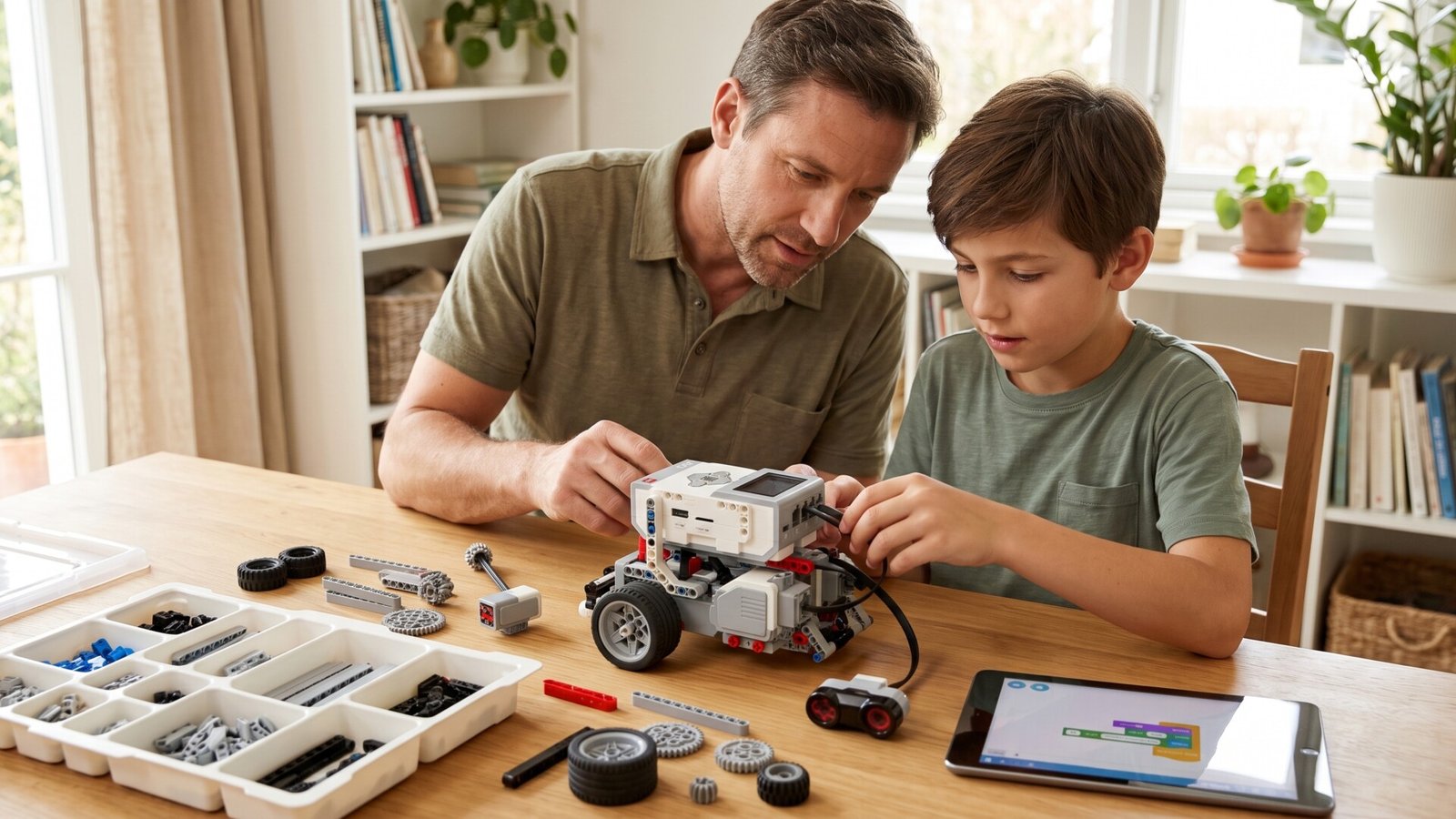
If you’re picturing a complicated robot kit with wires and confusing instructions, let’s start there. EV3 is different. It takes the creativity of regular LEGO bricks and adds:
- Motors
- Sensors
- A programmable EV3 brick
- A beginner-friendly coding platform
Instead of passively hearing about science or watching coding videos, your child becomes the engineer. They build something, program it, test it, fix it, and try again. That hands-on loop is the heart of meaningful STEM learning.
Why kids learn so much from EV3
EV3 creates a learning environment where kids naturally explore:
- Logical thinking (“If I change this code block, the robot should turn earlier.”)
- Engineering basics (gears, structure strength, stability)
- Problem-solving under pressure (especially when a robot doesn’t behave!)
- Perseverance (“One more time—I’ll fix it!”)
- Creativity (they’re literally building the robot they imagine)
It’s the kind of learning that sticks because your child is doing the work, not just watching someone else do it.
2. Recommended Age for EV3 — And When Kids Are Most Ready
LEGO officially recommends EV3 for ages 10+, but it’s perfectly usable by younger kids if:
- They have experience with LEGO building
- They enjoy problem-solving
- An adult can help with early setup
For home use, here’s a realistic breakdown:
Ages 8–9 (with support)
- Can follow simple build instructions
- Can use block-based programming
- Need help troubleshooting and understanding sensors
Ages 10–12
- Can build independently
- Grasp programming loops, conditionals, and sensors
- Enjoy designing their own robot attachments
Ages 13+
- Ready for advanced programming
- Can use Python or more complex logic
- Build competitive robots for challenges
EV3 grows with your child. If your 8-year-old begins now, they’ll still be learning new things when they’re 14.
3. What Comes in the EV3 Kit?
A typical EV3 Home Edition Kit includes:
- EV3 Intelligent Brick (your robot’s “brain”)
- 3 Motors (two large, one medium)
- Color Sensor
- Touch Sensor
- Infrared Sensor
- Remote/Beacon
- Over 500 LEGO Technic pieces
These are enough parts to build dozens of robots, including fan favorites like:
- EV3RSTORM (humanoid robot with a launcher)
- TRACK3R (tracked rover robot)
- GRIPP3R (robotic arm that lifts objects)
- R3PTAR (snake robot that slithers forward)
You can also buy additional expansion sets, extra motors, or specialty parts, but the base kit already covers a huge amount of learning.
4. Getting Started: Your First Week With EV3
Day 1–2: Building the First Robot
Start with something simple like TRACK3R. It’s sturdy, easy to build, and allows your child to see quick payoff—motors turning, tracks moving, and a robot that obeys their code.
While building, your child is actually learning:
- Following multi-step instructions
- Engineering problem-solving
- Understanding gear movement
- Spatial awareness
Let them make mistakes. Rebuilding is part of the process.
Day 3–4: Intro to Programming
The EV3 programming environment uses drag-and-drop blocks similar to Scratch. Kids can:
- Move the robot forward
- Make turns
- Control motor power
- Add sounds
- Include loops
Within an hour, they’ll be experimenting on their own.
Day 5–7: Try Sensors
Once your child can move the robot, add one sensor challenge:
- Use the Touch Sensor so the robot stops when bumping into something
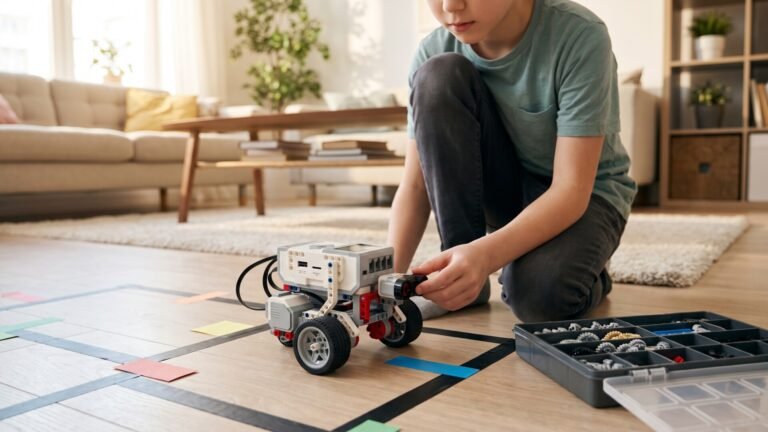
- Use the Color Sensor to follow a line on paper
- Use the Infrared Sensor to avoid obstacles
These tiny challenges build huge confidence—suddenly, the robot reacts to the world.
5. Why EV3 Is So Powerful for Learning at Home
Because kids see the results instantly
Nothing motivates a child like saying, “Let’s see if this works,” and then watching the robot come alive. If it fails, they learn persistence. If it succeeds, they feel proud.
Because it blends creativity and logic
Kids who love art or imaginative play thrive with EV3 because they aren’t just following rules—they’re inventing things.
Because it grows with your child
You can introduce:
- Loops
- Conditional logic
- Sensor data
- Variables
- Python programming
All from the same kit.
Because it teaches engineering without worksheets
Building a moving robot requires:
- Weight distribution
- Gear ratios
- Strong structure
- Balanced design
Kids learn these concepts intuitively.
6. Project Ideas for the First Month
Here are fun, progression-friendly projects that keep kids learning.
1. Line-Following Robot
Use the color sensor to follow a black line around the room. Kids learn:
- Calibration
- Light sensitivity
- Feedback loops
2. Obstacle-Avoiding Rover
Use the infrared sensor to steer around obstacles. Great for teaching conditional logic (if/then).
3. Object-Grabbing Robot
Build a simple arm attachment for picking up objects like small balls or LEGO bricks.
4. Room Map Challenge
Have your child program the robot to “patrol” their bedroom in a programmed path.
5. Dance-Dance Robot
Program movements, turns, and sounds to create a dance routine.
6. Mini Sumo Wrestling
Two robots try to push each other out of a circle (fun for siblings).
These challenges keep the learning fresh AND make EV3 feel like a game.
7. Comparing EV3 to Other LEGO Robotics Systems
Because EV3 is older, parents wonder if they should buy something newer. Here’s a quick overview.
EV3 vs LEGO Boost
- Boost is ideal for ages 6–9
- Great for simple robotics
- Sensor and motor options more limited
- Better for younger, less experienced builders
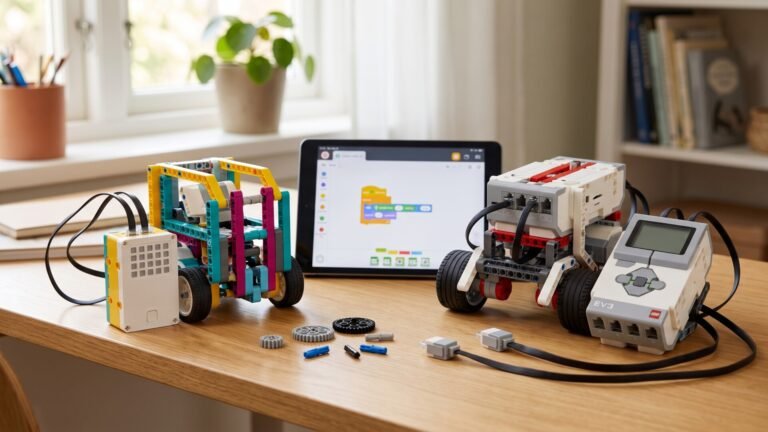
EV3 vs LEGO Education SPIKE Prime
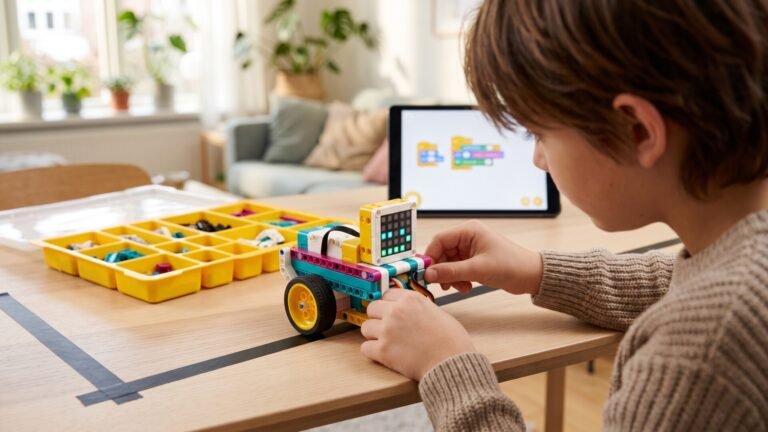
- SPIKE is the “replacement” for EV3
- Uses more modern parts and coding
- Has fewer online community resources
- More expensive
EV3’s biggest advantage:
There are thousands of tutorials, YouTube videos, challenges, and community projects available. That means your child can learn endlessly without buying more kits.
If you want depth, EV3 is still unmatched for at-home use.
8. Expanding the System: Helpful Add-Ons
If your child loves EV3, you can extend learning with:
- Additional EV3 motors
- EV3 Expansion Set (more Technic beams, gears, wheels)
- Rechargeable battery pack
- Specialty sensors like gyroscopic sensors
- LEGO tracks and bulldozer attachments
You don’t need these early on, but they’re excellent for long-term challenges.
9. Common Problems Parents Worry About (and Why They Aren’t Problems)
“My child isn’t very technical. Will they be frustrated?”
Kids who don’t love math or coding often thrive with robotics because it’s hands-on and playful.
“What if I don’t know anything about programming?”
You don’t need to know anything. Let your child teach you as they learn.
“The kit looks expensive. Will my child outgrow it?”
EV3 lasts for years. Older kids use it for:
- Python programming
- Engineering competitions
- Self-designed robots
- Creativity challenges
Most STEM toys have a lifespan of months. EV3 lasts for an entire childhood.
“Is it safe?”
Yes. All parts are safe, durable, and designed for kids. Motors and sensors run at low voltage.
10. Keeping Kids Motivated Over Time
One of the best things you can do is turn EV3 into a weekly tradition.
Here are simple ways:
1. Start a “Robot Friday” routine
One hour per week to build or test new challenges.
2. Do seasonal builds
Halloween robot? Christmas delivery robot? Summer obstacle course? Kids love themed engineering.
3. Join online Mindstorms communities
Kids can see what other young builders make and get inspired.
4. Record videos of their robots
Children love seeing their creations “on screen.” It builds confidence and creativity.
5. Encourage your child to invent their own challenges
The more control they have, the more they’ll learn.
11. Is LEGO Mindstorms EV3 Worth It for Home Learning?
If you want a toy that genuinely teaches meaningful skills—skills your child will use for life—EV3 is one of the best investments you can make.
Your child will learn:
- Real coding
- Real engineering
- Real problem-solving
- Creativity
- Persistence
- Logical thinking
- Hands-on building
- Scientific testing
It’s a system that grows through multiple ages and stages and offers limitless learning potential.