Spike Prime at Home: A Practical Overview
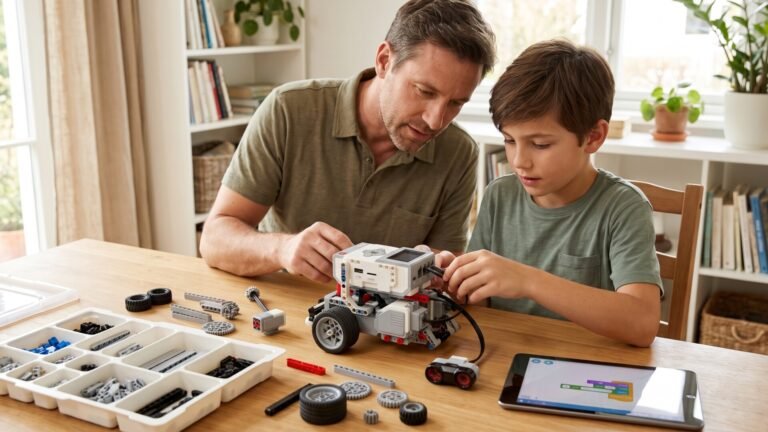
If you’ve been exploring ways to bring hands-on STEM learning into your home, LEGO Spike Prime has probably appeared on your radar more than once. It’s colorful, approachable, incredibly powerful for teaching real robotics concepts, and—unlike some robotics kits—it’s built on a system your child already understands: LEGO.
But many parents wonder the same things:
Is Spike Prime really usable at home? How hard is it? Does my child need a classroom or trained teacher? Will they actually learn coding, or will it turn into an expensive toy that sits on a shelf?
This guide gives you a practical, realistic view of exactly what it’s like to use Spike Prime at home, how to structure learning, how it compares to EV3, what kids typically struggle with, and how to turn it into a long-term STEM habit rather than a one-week novelty.
1. What Spike Prime Actually Is (And Why It Works So Well at Home)
LEGO Spike Prime is a robotics and engineering system designed for upper-elementary through middle-school learners (roughly ages 9–14). It combines the following:
- A programmable hub (with a screen and multiple ports)
- Motors (Large Angular Motors, Medium Angular Motors)
- Sensors (Color Sensor, Distance Sensor, Force Sensor)
- Technic-style building parts
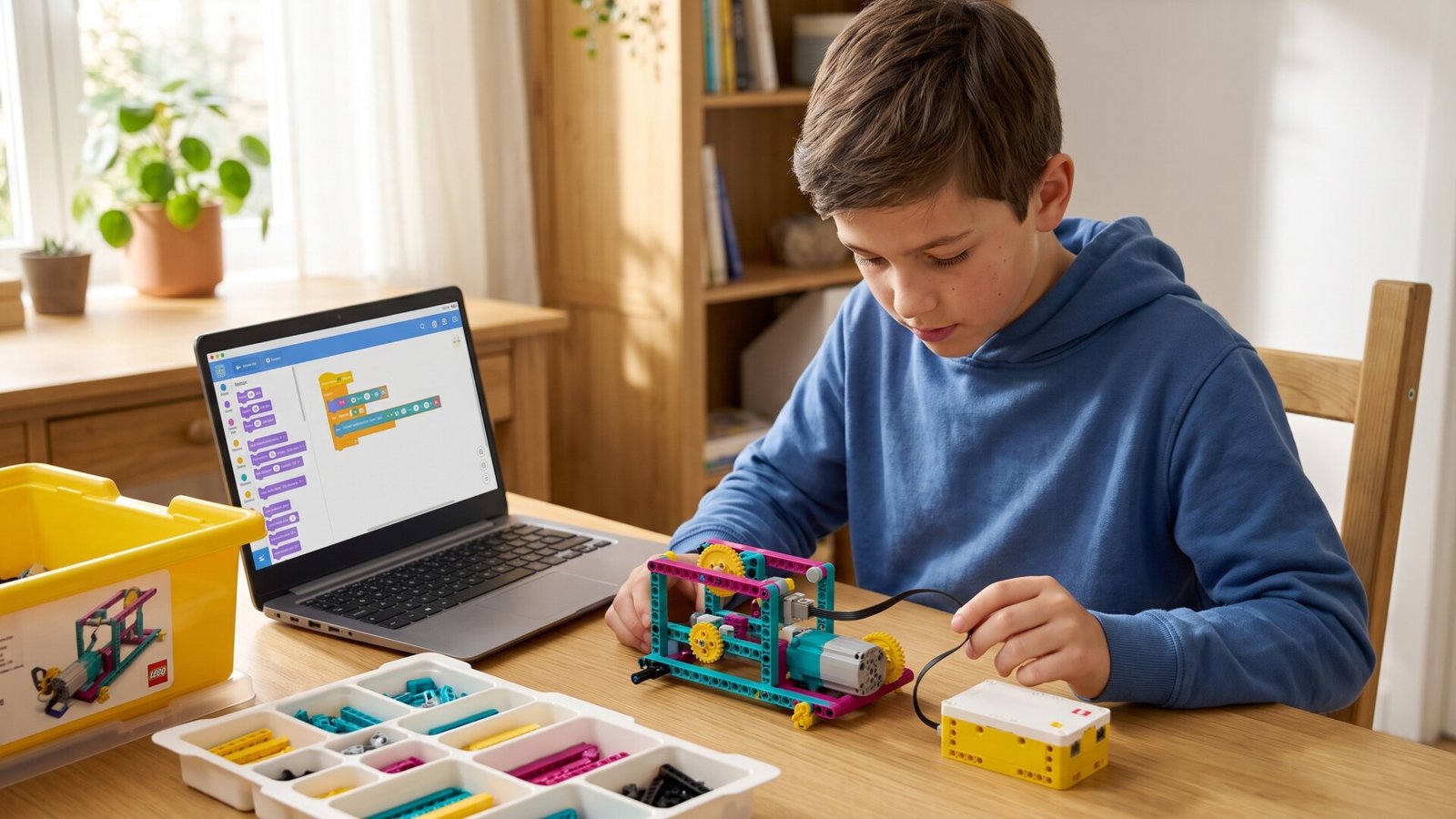
- A Scratch-based coding interface that later transitions into Python
Where Spike Prime shines at home:
• It’s intuitive
Kids already know how LEGO works. You aren’t teaching them a new building system. That familiarity lowers the “fear factor” and makes robotics feel playful instead of intimidating.
• The app includes guided lessons—but you don’t need a curriculum
Many robotics kits require step-by-step coursework. With Spike Prime, your child can build the base models (like the Break Dancer, Hopper, and the Robot Arm), then immediately start modifying them.
• Coding is visual but not “babyish”
Unlike some drag-and-drop kits that oversimplify, Spike Prime’s Scratch-based coding uses real logic structures: loops, variables, sensors, and events. It introduces foundational engineering thinking early.
• The parts are durable
Unlike more fragile robotics sets or servo-based kits, LEGO Technic beams and motors hold up well to repeated rebuilding—important when your child decides to turn today’s robot into a catapult tomorrow.
2. What You Need to Get Started at Home
Here’s the simplest setup that works beautifully for families:
1. Spike Prime Core Set
Contains everything needed for building and coding motorized robots.
2. A laptop or tablet compatible with the Spike App
Chromebooks, Windows, Mac, and many iPads work.
3. Enough table space to build
Even a small kitchen table is fine. The pieces are well-organized in the included trays.
4. A storage solution (optional but very helpful)
The Spike Prime box is excellent, but some families prefer:
- Stackable drawers
- Hardware organizers
- Zip-top bags for quick access
5. A “robotics time” routine
30–45 minutes twice a week is perfect. Without a routine, the kit can drift into “we’ll do it later” territory.
3. What Kids Learn When They Use Spike Prime at Home
Spike Prime doesn’t teach kids robotics in isolation—it builds a blend of engineering skills that develop naturally while playing.
• Mechanical Engineering Concepts
Children learn how gears, beams, axles, and structural supports work. They begin to understand:
- Gear ratios
- Stability
- Torque
- Symmetry vs. asymmetry
- Weight distribution
When a “robot dog” falls over or a crane arm won’t lift something heavy, they start troubleshooting the same way engineers do.
• Programming & Logic
Spike uses a block-based interface very similar to Scratch but with robotics elements. Kids learn:
- Sensors and events
- Conditional logic
- Variables
- Loops
- Sequencing
You’ll see a shift from “make it move forward” to deeper thinking like “make the robot follow the line but stop when the distance sensor detects something.”
• Problem-Solving & Iteration
Every successful robot is built on broken prototypes.
Kids learn:
“It didn’t work… what can I try next?”
Spike Prime encourages redesigning and testing, which builds resilience and analytical thinking.
• Creativity
Because it’s LEGO, children don’t feel constrained. After learning with the provided models, many kids start inventing:
- Candy dispensers
- Automatic doors
- Walking creatures
- Motorized vehicles
- Spinning art machines
Spike Prime gently pushes kids beyond building “nice models” into building functional machines.
4. What Age Spike Prime Works Best For
A helpful breakdown:
Ages 7–8 (Early introduction)
Works only with heavy parent involvement. The coding concepts are accessible, but fine motor skills and patience might be limiting.
Ages 9–11 (Ideal starting point)
Kids in this range really thrive. They can follow building instructions, begin problem-solving independently, and get excited about modifying robots.
Ages 12–14 (Deep exploration + Python)
Older kids can move into text-based coding, data logging, and building more complex multi-motor structures. Spike Prime can last them years.
5. What Actually Happens the First Week
Parents often wonder how steep the learning curve is. Here’s a realistic look:
Day 1: Build the first robot + make it move
Kids follow the on-screen building guide and run their first simple program. It’s exciting and confidence-building.
Day 2: Experiment with motors
They try different speeds, directions, and times. Some begin re-engineering the model immediately.
Day 3: Add sensors
The moment the robot “sees” a wall or reacts to color is usually a WOW moment.
Day 4: Modify the robot
Kids start adding pieces, changing legs, swapping wheels, making it turn more sharply, or adding “armor.”
Day 5: Build something new
Many kids build one of the alternative models or begin inventing their own.
Most families find the ramp-up smooth—the combination of LEGO familiarity plus Scratch-like coding reduces frustration dramatically.
6. Spike Prime vs. Other Robotics Kits for Home
Parents often compare Spike Prime with these systems:
Spike Prime vs. LEGO Boost
- Boost is simpler and better for ages 6–9.
- Spike is more powerful, more durable, and more suitable long-term.
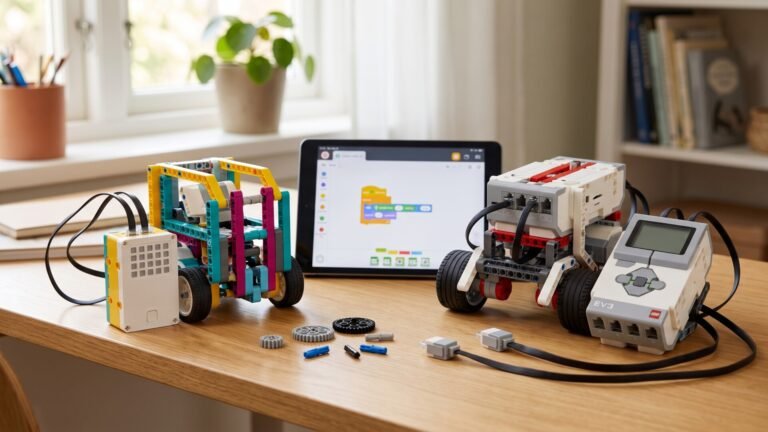
Spike Prime vs. LEGO Mindstorms EV3
- EV3 is more advanced in robotics competitions.
- Spike is easier to use at home, more intuitive, and has better software support going forward.
Spike Prime vs. Makeblock / VEX / Wonder Workshop
- Spike is far more flexible due to LEGO parts.
- The creative building possibilities are huge.
Spike Prime positions itself nicely between “toy” and “real robotics toolkit.” It’s friendly enough for beginners but deep enough to grow with your child.
7. How to Structure Learning at Home
The best results come from a gentle structure with plenty of freedom.
Method 1: Follow the Built-In Projects
LEGO provides missions and lessons in the Spike App. Many parents simply follow those sequentially.
Good for kids who like guided activities.
Method 2: Challenge-Based Learning
Give your child weekly missions:
- Build a robot that lifts a book
- Make a robot animal that walks
- Construct a safe candy grabber
- Program a robot to draw shapes
- Build a machine that sorts LEGO bricks by color
Kids love challenges because they give direction without limiting creativity.
Method 3: Free-Build Time
Let your child explore—no goal, no expected result. This leads to the most surprising creations.
8. Realistic Limitations You Should Know
Spike Prime is excellent, but parents should know its boundaries.
1. You’ll need charged devices and Bluetooth
The hub is wireless, and the app sometimes needs reconnecting. Not a big issue, but something to be prepared for.
2. Kids may struggle with debugging
When a robot won’t run, children may assume it’s a coding problem when it’s actually a loose axle or incorrectly placed gear. You’ll occasionally need parental problem-solving support.
3. Projects can get complex quickly
Spike Prime can build amazing machines—but that also means some instructions get long. Take breaks if needed.
4. Only one child can drive the robot at once
If you have siblings sharing, consider setting up turn-taking rules early.
9. Tips for Getting the Most Out of Spike Prime at Home
Here are some small but powerful ways to enrich your child’s experience:
• Keep a “robot notebook”
Have your child sketch designs, write programs, record failures, and note improvements. It builds engineering thinking naturally.
• Encourage modifications, not perfection
Instead of making the exact model, challenge your child to extend, change, or transform it.
• Mix Spike parts with regular LEGO
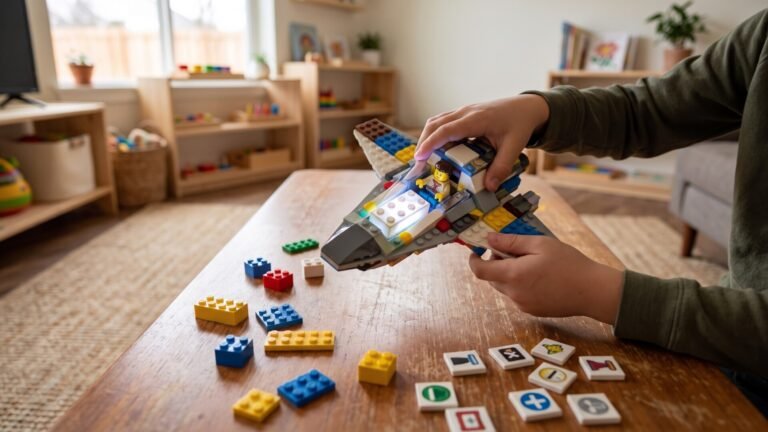
Spike Prime works perfectly with Technic, but kids often want to decorate robots with minifigures or colorful bricks.
• Ask open-ended questions
Instead of “Why isn’t it working?” try:
“What happens if we change the motor position?”
• Celebrate failures
Some of the best inventions happen only after three mistakes.
10. What to Build After the First Few Weeks
Here are some great “next projects” that work exceptionally well at home:
• A color-sorting machine
Using the Color Sensor, kids can build a machine that separates bricks.
• A drawing robot
Attach a marker and program it to draw zigzags, circles, or spirals.
• A robotic pet
Many kids love making a walking creature with animated eyes and sounds.
• A mini conveyor belt
Teaches motion control and synchronization.
• An automated gate
Great for adding sensors and conditional logic.
• A Spike-powered carnival ride
Kids can build Ferris wheels, spinners, and miniature amusement attractions.
11. Is Spike Prime a Good Long-Term Investment for Home?
For most families with STEM-curious kids, yes.
Here’s why:
- Kids don’t outgrow it quickly
- It scales from beginner to advanced
- It supports real coding concepts (Python!)
- It encourages endless rebuilding
- It complements school learning
- It unlocks engineering thinking naturally
Many families report 1–3 years of active use, and sometimes more.
Many kids love making a walking creature with animated eyes and sounds.
• A mini conveyor belt
Teaches motion control and synchronization.
• An automated gate
Great for adding sensors and conditional logic.
• A Spike-powered carnival ride
Kids can build Ferris wheels, spinners, and miniature amusement attractions.
11. Is Spike Prime a Good Long-Term Investment for Home?
For most families with STEM-curious kids, yes.
Here’s why:
- Kids don’t outgrow it quickly
- It scales from beginner to advanced
- It supports real coding concepts (Python!)
- It encourages endless rebuilding
- It complements school learning
- It unlocks engineering thinking naturally
Many families report 1–3 years of active use, and sometimes more.
12. Toys & Tools to Pair with Spike Prime
These make Spike even more engaging at home:
- LEGO Technic expansion sets
- LEGO wheels, gears, axles packs
- Baseplates for stability
- Small storage drawers for sorting sensors and motor cables
- Graph paper notebooks for sketching designs
- A small whiteboard for planning programs
Spike Prime is at its best when kids have both structure and freedom to create.